

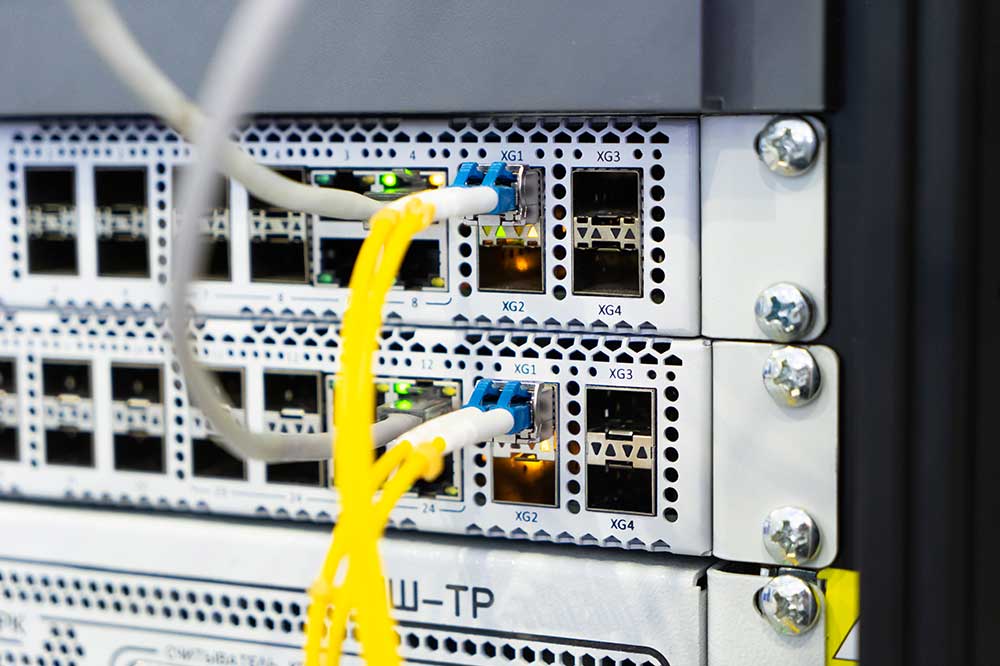
Serial data transmission occurs bit by bit, one bit at a time, over a single transmission line, whereas parallel transmission transmits several or a dozen bits at a time, each over a separate wire. Parallel transmission appears faster, but at long distances and high frequencies, it is inferior to serial transmission due to crosstalk and synchronization issues. This is why modern interfaces such as USB, SATA, PCI Express, and Ethernet operate serially.
To sum it up
- Serial data transmission: Bits are transmitted sequentially along a single line - fewer wires, cheaper cables, longer range.
- Parallel mode: transmitting many bits simultaneously over many lines - lots of wires, short range, crosstalk issues.
- Examples of serial interfaces: USB, SATA, PCIe, Ethernet, RS-232 ; parallel: LPT port, ATA/IDE, classic PCI .
- Today, parallel data transmission is mainly carried out over short channels within devices, such as RAM bus .
Serial data transmission – what is it?
At serial transmission Data is transmitted sequentially: the transmitter converts a byte into a sequence of bits and sends them one at a time along a single data line (in each direction), and the receiver reassembles them. Fewer wires are required for the connection, reducing the cost of cables and connectors and allowing data to be transmitted over longer distances.
Single-lane operation doesn't mean low speed. Modern serial interfaces operate at very high frequencies: USB 3.2 Gen 2×2 reaches speeds of up to 20 Gbps, USB4 — up to 40 Gbps, and the specification USB4 version 2.0 — up to 80 Gbps. Common examples of serial data transfer include USB, SATA, PCI Express, Ethernet, HDMI, DisplayPort, and in electronics—RS-232/UART, SPI, and I²C.
Asynchronous and synchronous serial transmission
Sequential transmission is divided into two types. asynchronous transmission (e.g. UART, RS-232) there is no common clock signal - the transmitter and receiver must be pre-set to the same speed, and each data packet is surrounded by start bit (0) and stop bit (1), which mark the beginning and end of the frame. synchronous transmission (e.g., SPI, I²C) a clock signal is transmitted along with the data, indicating to the receiver when to read the next bit. High-speed interfaces, such as USB or PCIe, transmit timing information within the data stream itself.
Parallel transmission - how does it work?
At parallel transmission Several bits (e.g., 8, 16, or more) are transmitted simultaneously, each on a separate line. At low frequencies, this allows for simpler design and higher throughput, hence its popularity in older equipment: LPT ports (printers), interfaces ATA/IDE (hard drives and optical drives) and the bus PCI .
As the frequency and length of connections increase, three problems arise:
- Crosstalk – the signal in one wire interferes with the signal in the adjacent wire.
- Distortion - bits transmitted simultaneously arrive at slightly different times, and at high speeds the receiver may confuse them.
- Price and size – Multi-conductor cables mean thick, rigid cables and large connectors.
Table of differences between serial and parallel data transmission
| Characteristic | Sequential transmission | Parallel transmission |
|---|---|---|
| Method of transmission | Little by little, in order | Many bits at once |
| Number of data transmission lines | Small (one in each direction or several independent paths) | Large size - one for each part of the word |
| Reception | Big | Short |
| Interference resistance | More | Smaller size - crosstalk and distortion |
| Cost of laying cables | Short | High |
| Speed in practice | Very high performance due to high clock speed. | High frequency limitation |
| Examples | USB, SATA, PCIe, Ethernet, HDMI, RS-232 | LPT, ATA/IDE, PCI, RAM bus |
Why did serial data transmission replace parallel data transmission?
For many years, the intuitive assumption was that more wires meant more data. The problem is that parallel transmission can't be accelerated indefinitely—the higher the frequency, the more difficult it is to keep all the bits aligned. Serial connections don't have this problem, so engineers have been able to significantly increase clock rates.
The effect has been evident throughout the history of personal computers: LPT ports have been replaced by USB , ATA/IDE drives - on SATA , and the PCI bus is on PCI Express . Narrow SATA cables have replaced wide IDE ribbon cables, further improving airflow inside the case.
Multichannel transmission is not considered parallel transmission.
Some modern interfaces use several lines at the same time - a video card in a slot PCIe x16 The USB 3.2 Gen 2x2 port uses 16 lanes, while the USB 3.2 Gen 2x2 slot uses two. However, each lane represents an independent serial channel; data is distributed between them and collected on the receiving end. This differs from a classic parallel bus, where all the bits of a single word must arrive simultaneously.
Advantages and disadvantages of both solutions
Sequential transmission - advantages: few wires, thin and inexpensive cables, small connectors, long range, high noise immunity and the ability to operate at very high clock frequencies. Flaws: Circuits are required to convert parallel data to serial and vice versa, and at low frequencies, a single line carries less data than a wide bus.
Parallel transmission - advantages: ease of operation and high throughput at low clock rates, without the need to convert data into a bit stream. Flaws: short range, crosstalk, bit desynchronization, thick cables and expensive connectors.
Where and what transmission is used?
- External connections and long distances (peripherals, monitors, networks, disks) – almost exclusively serial data transfer.
- Electronics and microcontrollers – serial interfaces UART, SPI and I²C, since they require a small number of pins.
- Very short traces on the motherboard — this is where parallel data transfer still operates, an example of which is the RAM data bus connecting the memory controller to the modules.
- Older equipment — devices with LPT ports or IDE drives; they are usually connected to modern computers via adapters.
Frequently Asked Questions (FAQ)
What is serial data transmission?
This is a data transfer method in which bits are transmitted sequentially, one after the other, along a single data line. It is used in USB, SATA, PCI Express, Ethernet, and RS-232, among others.
What is the difference between serial and parallel data transmission?
Serial data transmission occurs sequentially over a single line, while parallel data transmission allows multiple bits to be transmitted simultaneously over multiple lines. Serial transmission requires fewer wires, has a longer range, and is more resistant to interference, making it the dominant choice for modern interfaces.
Is USB a serial data transfer?
Yes. USB stands for Universal Serial Bus. Newer versions (e.g., USB 3.2 Gen 2×2, USB4) use multiple lines simultaneously, but each line represents a serial connection.
Why isn't parallel data transfer faster?
At high frequencies, bits transmitted in parallel arrive with slight timing differences, and adjacent wires interfere with each other. This limits the clock rate, whereas in a serial communication channel, the clock rate can be significantly increased.
What replaced LPT and IDE ports?
The LPT port has been replaced with USB, the ATA/IDE interface with SATA, and the PCI bus with PCI Express. All of these new interfaces use serial data transfer.
See also
- What is the difference between Smart TV and Android TV?
- What is the difference between a domain and a subdomain?
- What is the difference between a data flow and a process?
- What is the difference between a laptop and an ultrabook?