

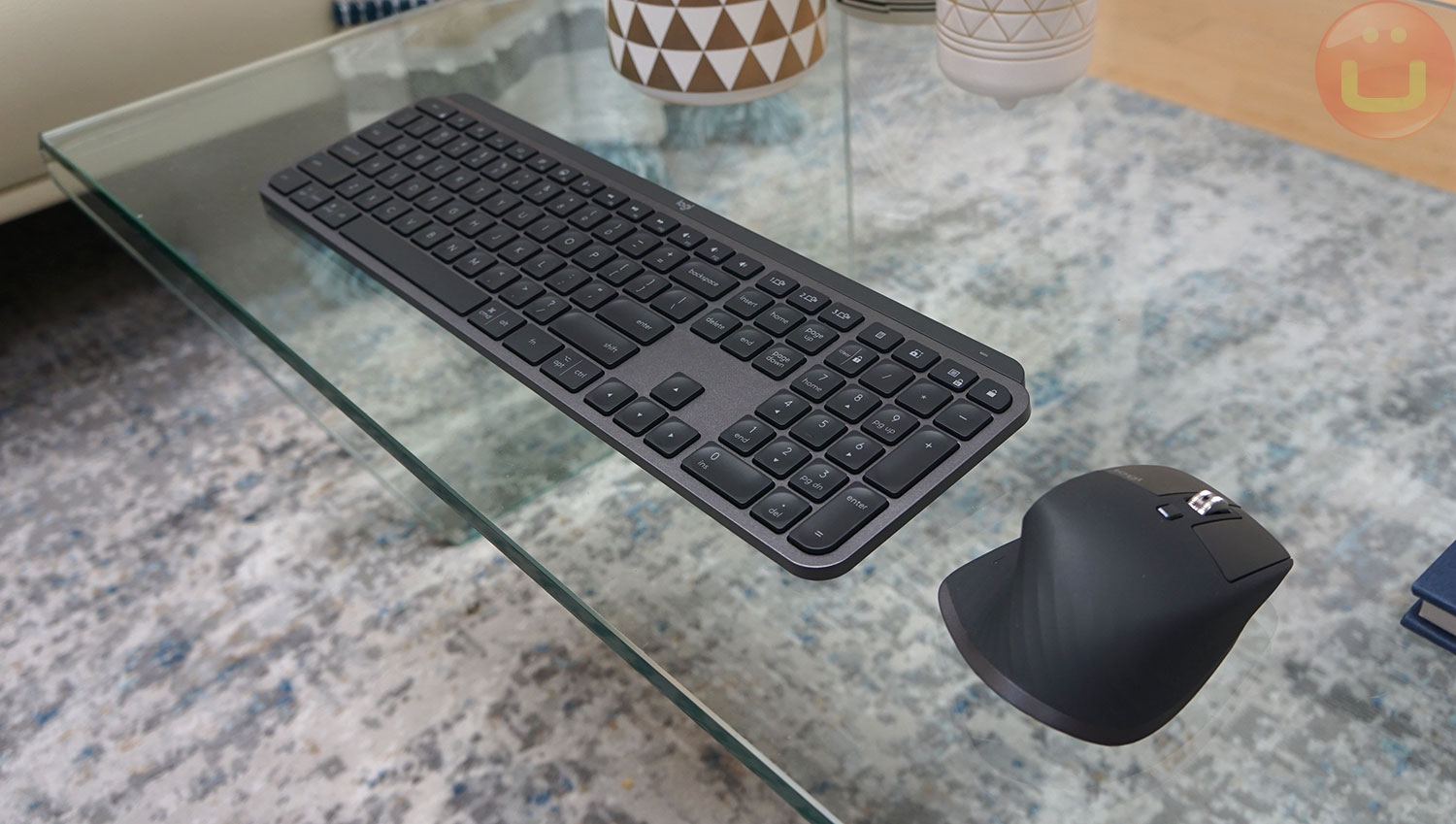
Logitech recently unveiled its new "Combo for Business Gen 2" kit, which includes the new MX Master 3S mouse and MX Keys keyboard. I've owned quite a few keyboards, and I like to try new ones that show potential. Since this kit is popular in the corporate segment, I decided to take a closer look.
I haven't tried the first-generation MX Keys keyboard, but this new model is designed for both Windows and Mac OS. The build quality is high, and the keyboard feels very solid. In fact, the metal frame adds a heft to the keyboard, which many will appreciate.
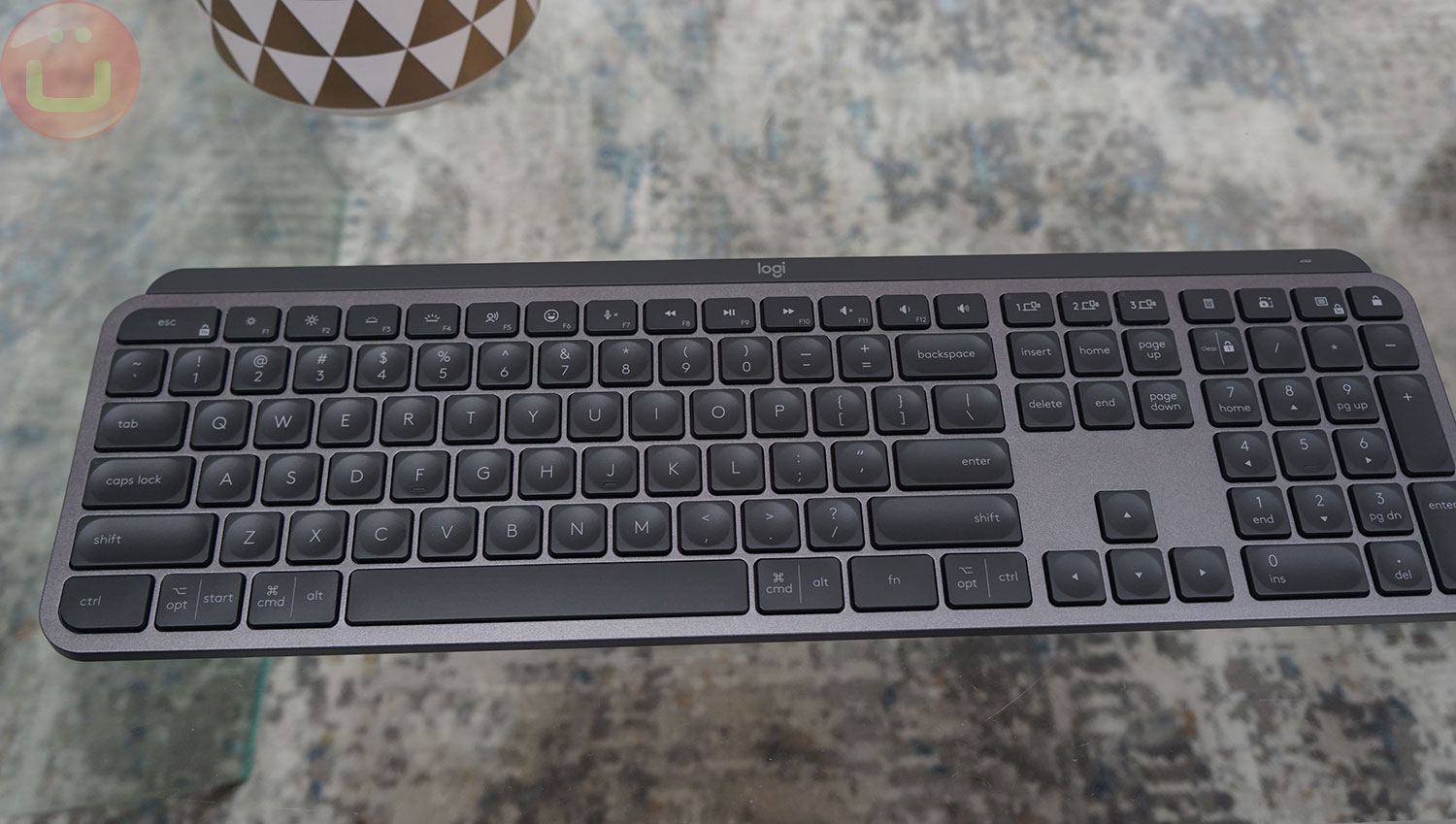
Holding it in your hands, it's easy to tell it's not plastic. The weight suggests it's stationary keyboard , which sits on my desk. The keys are soft and quiet. They have a distinctive design with a circular indentation in the middle. I assume this is meant to improve typing accuracy, similar to how curved keys do.
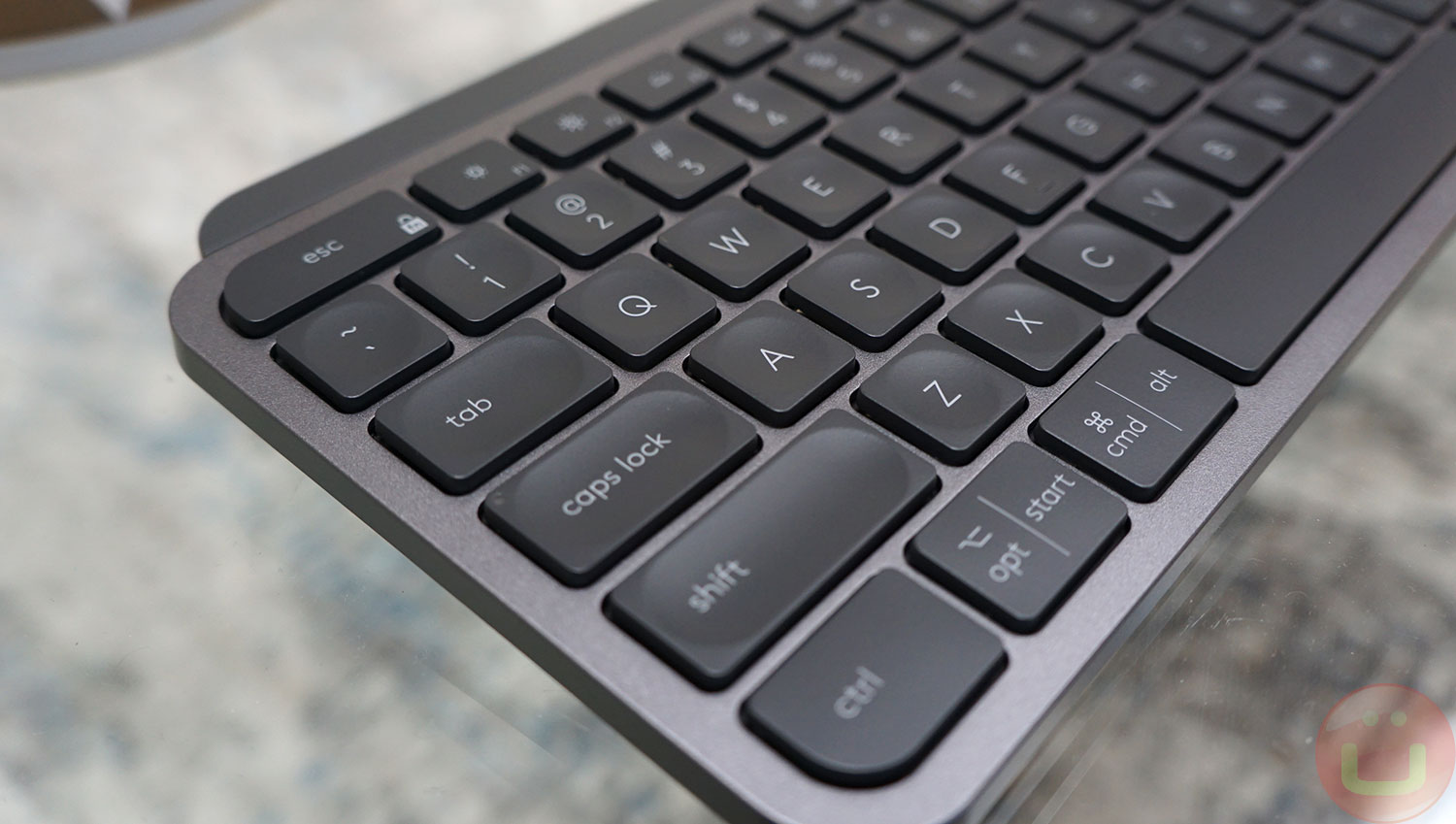
In my experience, these notches didn't make my typing any more or less precise, but they did make the feel slightly different, so if you have the opportunity to try them out in a store, I highly recommend it. Whether you like the tactile feel of a keyboard is a very personal matter, but I can vouch for the overall build quality.
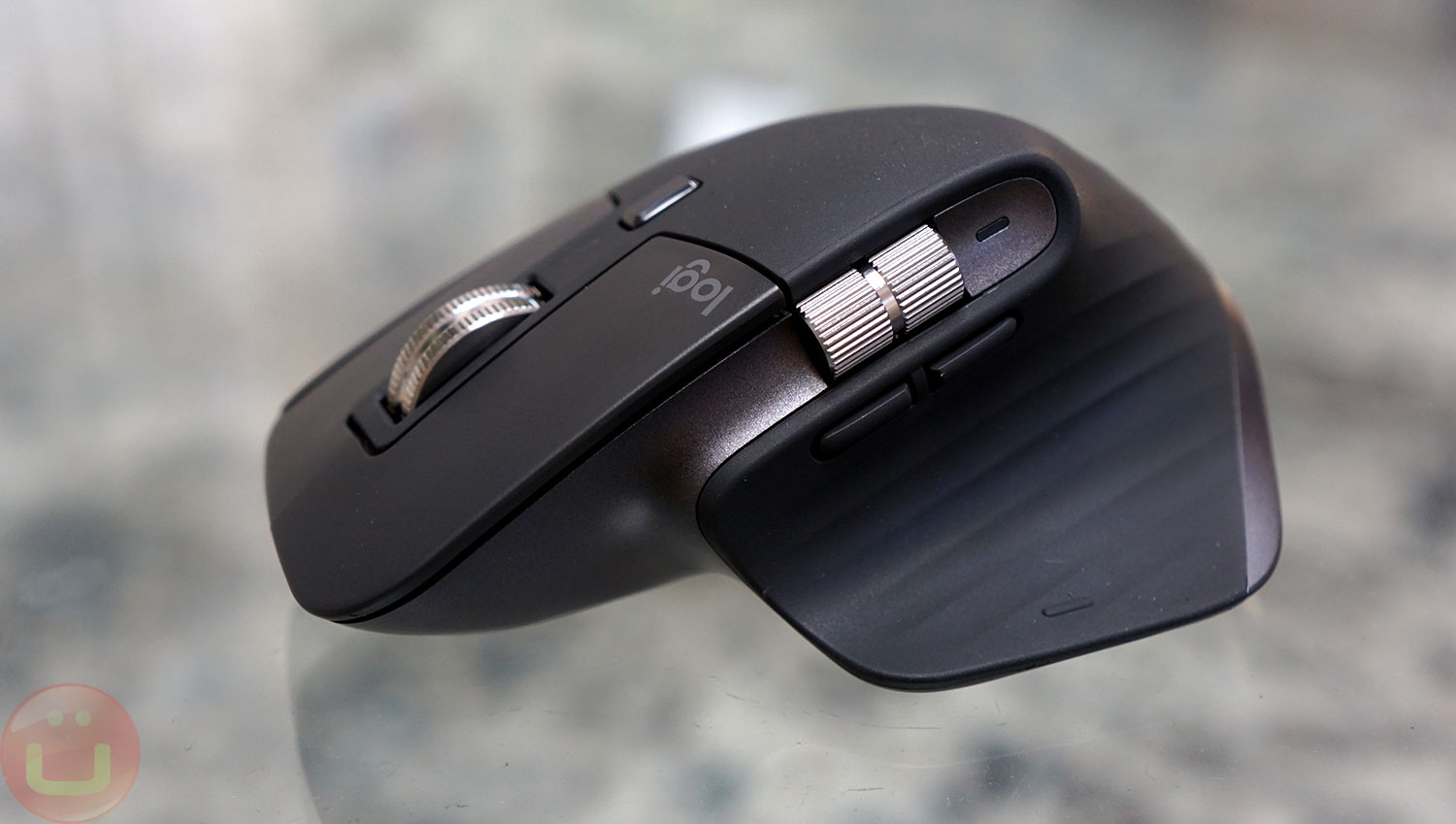
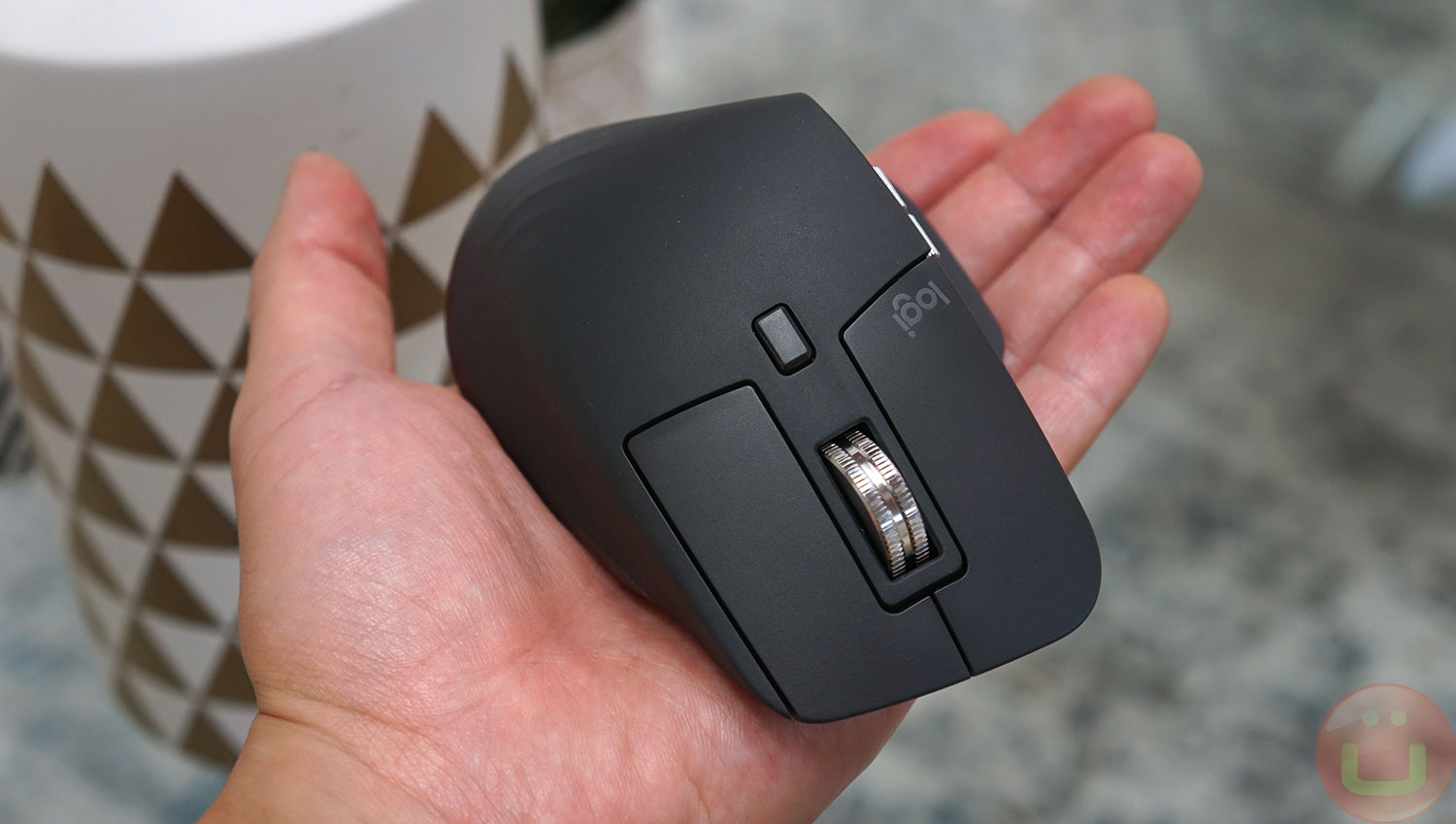
MX Master 3S — This is an ergonomic mouse, boasting high precision (8000 PPI) and an ergonomic design. Again, shape and ergonomics are subjective, so it's best to hold it in your hands. I found it comfortable to use, and it's more comfortable (but less portable) than my MX Anywhere 3.
This mouse works on any surface, including glass, which is crucial since many hotel rooms have glass tabletops, and I guarantee you won't always have a mousepad handy. The MX Master 3S can feel a bit heavy at first, but I didn't find it an issue.
Both input devices can be connected via Bluetooth or a Logibolt USB adapter, providing greater flexibility. Oddly enough, the locations for storage The small Logibolt USB adapter is missing. This is a shame, as both devices appear to have ample internal space.
Besides, None of the devices work as a wired USB-C input , although both have a USB-C port for charging. I like USB-C charging because I don't want to carry micro-USB cables around with me anymore. In my opinion, Logitech should have added USB-C connectivity to maximize connectivity options, given the relatively high price.
Logitech claims the Logibolt is highly secure, and IT departments around the world seem to agree, as I see it being a popular choice in many large companies. It's optimized for wireless office environments and is resistant to interference.
Multicomputer systems
Both keyboard and mouse can connect wirelessly to multiple (3) computers (including phones and tablets), which I really like. During the pandemic, we realized the need to work on one work computer and one personal computer in a confined space, which means sharing a desk, keyboard, and mouse whenever possible.
Logitech has made a very successful attempt, and they deserve credit for it. At least they did it. relatively It's easy. However, the user experience isn't as convenient as it could be. For example, manually switching a Bluetooth keyboard doesn't switch a Bluetooth mouse, and while there are good reasons for this, it's annoying.
Currently, the best way to sync your mouse and keyboard is to use Logitech Flow, software that helps you switch your mouse and keyboard between multiple computers.
This feature is similar to Mouse Without Borders (Microsoft) or Synergy. The basic idea is to redirect mouse/keyboard input to another computer if the mouse cursor crosses the screen border.
Logitech does it much more effectively, Because it switches the Bluetooth connection only ONCE, when the cursor crosses the screen border. Mouse Without Borders constantly generates network traffic between computers and requires thousands of additional real-time updates, which is extremely susceptible to network latency.
Conclusion
Logitech MX Master 3S for Business and MX Keys Combo for Business 2nd Generation — This is a high-quality product that deserves attention. It comes with excellent software support, and I liked many of the technical aspects of both input devices.
I've seen them for sale at various electronics retailers like Best Buy, so you have the opportunity to get a closer look and feel for them. Again, I highly recommend touching any input device to get a feel for it. own opinion.
I prefer mechanical keyboards, but keyboards with a distinctive clicking sound can be annoying to colleagues, which is understandable. These two devices work very quiet , which makes a big difference when you're sitting just a few steps away from your colleagues.