

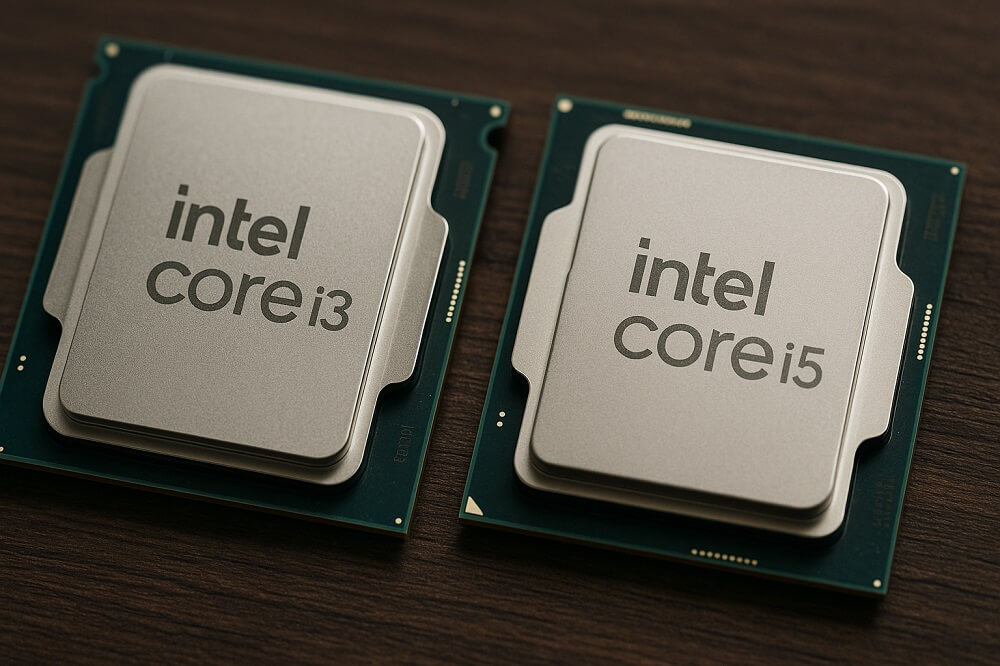
Intel Core i5 processors differ from Core i3 processors primarily in their higher core and thread counts, larger cache memory, and higher multithreaded performance. However, in single-core mode, both processors of the same generation generally perform similarly. The Core i3 is an entry-level processor designed for office work, school, and internet browsing, while the Core i5 is a popular mid-range processor, chosen for gaming and more demanding applications. An important rule: compare processors of the same generation, as a new i3 may be faster than an i5 from several years ago.
To sum it up
- Cores and threads: In one generation, the i5 has significantly more of them - for example, the desktop i3-14100 has 4 cores and 8 threads, and the i5-14400 has 10 cores (6 energy-efficient + 4 energy-saving) and 16 threads.
- Cache: The i5 has a larger cache (e.g. 20MB L3 in the i5-14400 vs. 12MB in the i3-14100).
- For games: The i5 is a safer choice for newer games, while the i3 is sufficient for lighter games and eSports titles if you have a good graphics card.
- Generation matters: A newer i3 can outperform an older i5, and starting in 2023, Intel is gradually replacing the i3/i5 names with the Core 3/Core 5 and Core Ultra 5 series.
Intel Core i3 vs. i5 – The Most Important Differences
The Intel i3, i5, i7, and i9 designations represent performance classes Within a single generation, rather than specific parameters. The higher the number, the more cores, more cache, and higher clock speed. Therefore, the "i5" of previous years and the "i5" in the current lineup are completely different processors.
Cores and threads
Older Core i3 processors typically had 2 cores and 4 threads, while i5 processors had 4 cores. In subsequent generations, the core count increased in both series. Starting with the 12th generation (Alder Lake), Intel uses hybrid architecture : High-performance cores (P-cores) complement energy-efficient cores (E-cores). In desktop computers, the difference is obvious: the i3-14100 has only 4 P-cores, while the i5-14400 has 6 P-cores and 4 E-cores.
More cores and threads enable better multitasking and higher performance for programs that can distribute work across multiple threads: video editing, rendering, file compression, and newer games.
Cache and clock speed
Cache This is fast memory inside the processor that stores frequently accessed data. The Core i5 has more of it, which helps with tasks like gaming and working with large files. Turbo Boost clock rates are often similar for both series, so for single-threaded tasks (such as older programs or some types of web browsing), the difference may be negligible.
Turbo Boost and Hyper-Threading
Turbo Boost Technology Allows you to temporarily increase the clock speed above the base frequency. Many older i3 processors did not have this feature, but modern i3 models also use it. The technology Hyper-Threading (Two threads per core) is present in both i3 and i5 processors, with hybrid processors using high-performance and low-power cores, each processing a single thread. For detailed information on a specific model, it's best to refer to the manufacturer's website (Intel ARK).
Comparison Chart: Intel Core i3 vs. i5
| Characteristic | Intel Core i3 | Intel Core i5 |
|---|---|---|
| Variety | Base | Average (generally accepted) |
| Cores/Threads (14th Gen Desktop Example) | i3-14100: 4 cores / 8 threads | i5-14400: 10 cores (6P + 4E) / 16 threads |
| Cores/Threads (Example: Laptop, 12th Gen) | i3-1215U: 6 cores (2P + 4E) / 8 threads | i5-1235U: 10 cores (2P + 8E) / 12 threads |
| L3 memory (same examples for desktop computers) | 12 MB | 20 MB |
| Single-threaded performance | Often similar to an i5 processor of the same generation. | Similar or slightly higher |
| Performance in multithreaded applications | Below | Clearly higher |
| Energy consumption and cooling | Lower requirements | Increased demands under load |
| Typical areas of application | Office, study, internet, multimedia, light gaming | Gaming, photo and video editing, multitasking |
i3 or i5 for gaming?
In games, frame rate is mainly determined by video card , but the processor shouldn't be the bottleneck. New games increasingly utilize multithreading, and messaging apps, browsers, and recording programs often run in the background. Here, the Core i5's advantage—more cores and cache—is noticeable, especially in open-world and strategy games.
- Core i3 processor It's perfectly suitable for eSports games and less demanding projects, as well as for budget configurations where the bulk of the money is spent on the graphics card.
- Core i5 processor — a smart choice for new, demanding games, as well as for a computer that will last for several years without replacing the processor.
- For simultaneous gaming and streaming, an i5 (or higher) processor is better than an i3.
Before purchasing, check the minimum and recommended system requirements for specific games as stated by the publisher - these often explicitly state the processor class.
i3 or i5 for laptop?
In laptops, the difference between i3 and i5 processors is generally smaller than in desktops, as both processors operate within similar power limits. For example, the i3-1215U and i5-1235U each have two energy-efficient cores, but the i5 has twice as many energy-efficient cores (8 instead of 4) and a larger cache, which helps when running multiple programs simultaneously.
- Laptop with i3 processor — for study, office work, video calls and the Internet, when low cost is important.
- Laptop with i5 processor — ideal for working with multiple video cards and programs simultaneously, editing photos or simple videos.
- Please note letter at the end of the marking : "U" stands for energy-efficient processors for thin laptops, "H" stands for more efficient ones with higher power consumption.
- The comfort of working on a laptop also depends on amount of RAM and SSD drive - an i5 processor with a small amount of memory may perform worse than an i3 with a large amount.
Which processor should you choose? Generations and new names of Intel processors.
The generation number can be read from the first digits of the name: i5-14 400 is the 14th generation, i3-12 15U is the 12th generation. When comparing listings, you should compare processors of the same or similar generation. A new i3 may be faster than an i5 released several years ago, and also support newer memory and socket standards.
Starting in 2023, Intel is changing its nomenclature: the letter "i" will disappear, and new computers will be designated as Core 3, Core 5, Core 7 , and also Core Ultra 5, 7 and 9. The classification logic remains the same—Core 3 and Core 5 roughly correspond to the former i3 and i5—but the specifications of a specific model must be verified. Core i3 and i5 models are still available, especially in budget variants.
Simple rule: i3, if the computer is used for working on the Internet, office work and study, and the budget is limited; i5 , if you play games, work with graphics or video, or want to have performance reserves for years to come.
Frequently Asked Questions (FAQ)
Is the i3 processor good for gaming?
Yes, for esports and undemanding games, especially when paired with a good graphics card, this is ideal. For newer, more demanding games and simultaneous streaming, a Core i5 processor of the same generation is better suited.
Is the new i3 better than the old i5?
Often, yes. Newer generations have more efficient cores, larger cache, and support for new standards. Before buying, compare specific models in benchmarks or on the manufacturer's website, rather than relying solely on the i3 or i5 designation.
i3 or i5 for a laptop suitable for study and office work?
A Core i3 processor is usually sufficient for word processing, web browsing, and video calls. A Core i5 is worth choosing if you work with several programs simultaneously or plan to edit photos. RAM and an SSD are equally important.
What do the letters K, F, U, and H mean in an Intel processor's name?
K denotes an unlocked multiplier (overclocking capability), F denotes no integrated graphics, U denotes a power-efficient processor for thin laptops, and H denotes a more powerful mobile processor. A processor with an F letter requires a dedicated graphics card.
What is the difference between Core i5, Core 5, and Core Ultra 5 processors?
These are the new names for Intel processors, introduced starting in 2023—the letter "i" has been removed from the designations. Core 5 and Core Ultra 5 occupy the same position in the lineup as the previous i5, but their specifications vary depending on the specific generation and model.
See also
- What is the difference between a laptop and an ultrabook?
- What is the difference between the Samsung S24 and S24FE?
- What is the difference between MP3 and MP4?
- What is the difference between a data flow and a process?